TL;DR
Key takeaways
- Railway bills CPU and memory by the second on what services use, at $20 per vCPU and $10 per GB a month; Render charges fixed instance prices from $7 a month.
- A web service, a worker and a small Postgres cost about $21.50 a month on Render and at most about $35 on Railway, less when services sit idle.
- Render runs managed Postgres with point-in-time recovery; Railway deploys Postgres, MySQL, Redis and MongoDB from templates with backups you turn on.
- Railway runs in 4 regions and Render in 5, each with one region in Europe.
- Railway stops reading railway.toml on December 1, 2026, in favor of .railway/railway.ts; Render keeps render.yaml Blueprints.
Ask AI about this post:
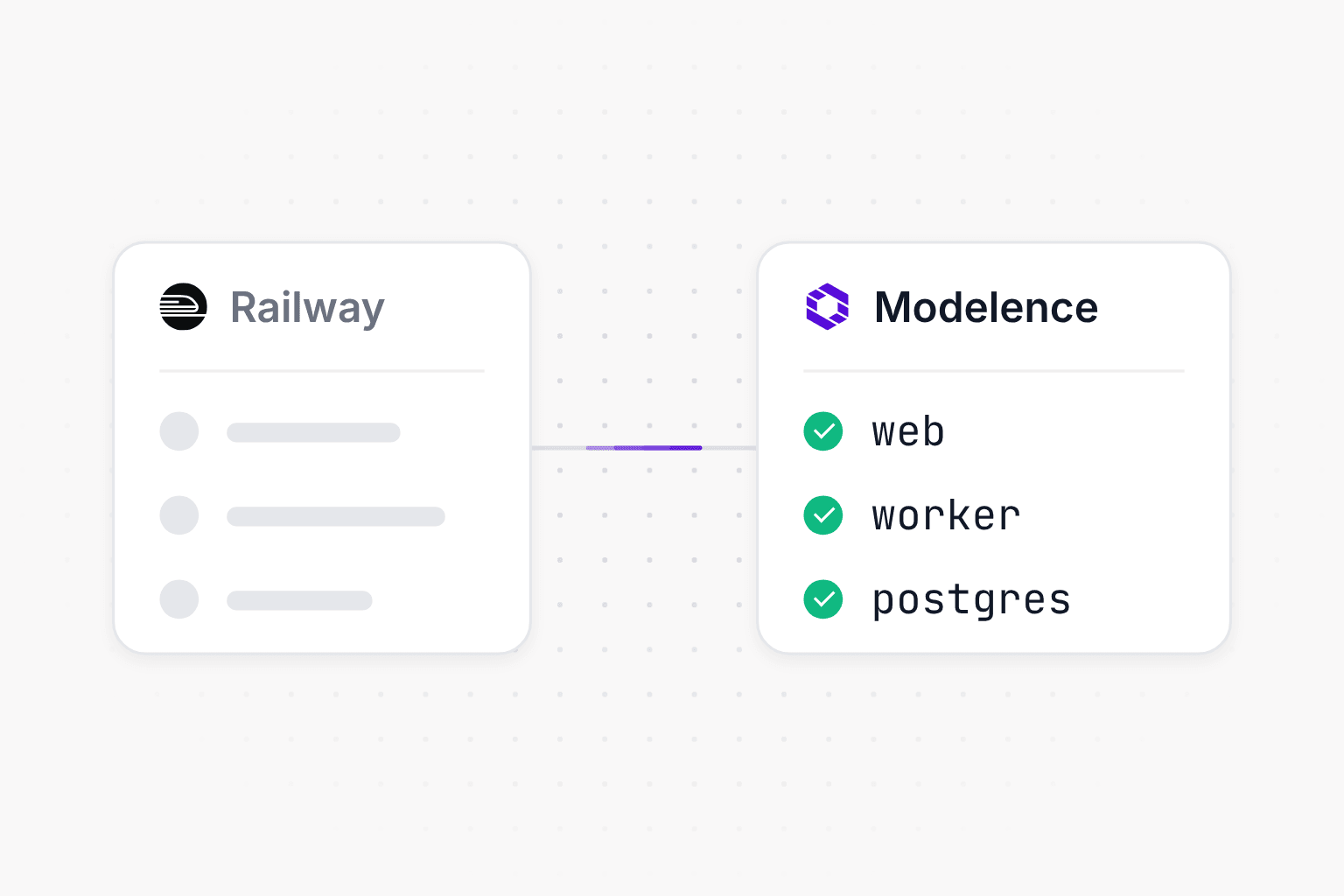
Railway and Render are the two platforms most teams shortlist when they want to push code and get a running web service, a worker and a Postgres database without managing servers. Both deploy from Git or a Dockerfile, run workers and cron jobs, and keep services on a private network. The biggest difference is how they bill: Railway charges for the CPU and memory your services actually use, and Render charges a fixed price for each instance size. Railway suits apps whose load comes and goes, since idle services cost little, and Render suits apps that run steadily, with predictable prices per service, managed Postgres with point-in-time recovery and autoscaling on its Pro plan. Prices and limits below come from each platform's pricing page and docs, checked on November 21, 2026.
Railway vs Render at a glance
| Railway | Render | |
|---|---|---|
| Paid plans | Hobby $5 or Pro $20 a month, each including that much usage | Hobby $0, Pro $25 or Scale $499 a month, plus compute |
| How compute is billed | By the second for CPU and memory used: $20 per vCPU and $10 per GB a month | Fixed instance sizes from $7 a month (0.5 CPU, 512 MB), prorated by the second |
| Team seats | Unlimited on Pro | 1 on Hobby, unlimited on Pro and up |
| Workers | Any service without a public domain | Background worker service type |
| Cron jobs | A service started on a schedule that must exit, at least 5 minutes apart | A cron job service that runs and exits, $1 a month minimum, 12-hour limit per run |
| Private network | Between all services of an environment, across regions | Within one region; workers and cron jobs can call out but have no internal address |
| Databases | Postgres, MySQL, Redis and MongoDB from templates | Managed Postgres and Key Value (Redis-compatible); MySQL and MongoDB on a disk |
| Backups | Volume backups and point-in-time recovery that you turn on | Point-in-time recovery, 3 days on Hobby and 7 days on Pro and up |
| Regions | 4: California, Virginia, Amsterdam, Singapore | 5: Oregon, Ohio, Virginia, Frankfurt, Singapore |
| Scaling | Replicas set by hand, no load-based autoscaling | Autoscaling on CPU and memory on Pro and up |
| Config as code | .railway/railway.ts (railway.toml stops being read on December 1, 2026) | render.yaml Blueprints |
| Preview environments | PR environments, including ones that deploy only the changed services | Single-service previews on Hobby, full-stack previews on Pro and up |
Pricing
Railway has a Hobby plan at $5 a month and a Pro plan at $20 a month per workspace, and each plan's price counts toward usage, so a Pro workspace that uses $14 of resources pays $20. Compute is billed by the second on what each service uses, at $20 per vCPU and $10 per GB of memory a month, and Pro has no per-member charge. Egress costs $0.05 per GB, and builds are free.
Render separates the workspace plan from compute. Hobby is free for one person, Pro is $25 a month with unlimited seats and Scale is $499 a month. Each service then picks an instance size with a fixed monthly price, from $7 for 0.5 CPU and 512 MB and $25 for 1 CPU and 2 GB, up to 12 CPU and 96 GB. Bandwidth beyond the plan's allowance (5 GB on Hobby, 25 GB on Pro) costs $0.15 per GB, and build minutes beyond the allowance cost $5 per 1,000.
What a small app costs on each
Take a web service and a background worker at 0.5 vCPU and 512 MB each, and the smallest paid Postgres with 5 GB of data, run by one person. Railway's figures assume every service runs at its full size all month, so they are the most it would cost.
| Per month | Railway | Render |
|---|---|---|
| Web service (0.5 vCPU, 512 MB) | $15.00 | $7.00 |
| Worker (0.5 vCPU, 512 MB) | $15.00 | $7.00 |
| Postgres (0.1 vCPU, 256 MB) | $4.50 | $6.00 |
| Database storage (5 GB) | $0.75 | $1.50 |
| Plan | Hobby $5, counted toward usage | Hobby $0 |
| Total | About $35 at most | About $21.50 |
At steady full load Render comes out cheaper, and Railway gets cheaper the more time your services spend idle. A worker that waits for jobs most of the day, for example, costs a fraction of $15 on Railway. With a team on Render's Pro plan, add $25 a month.
Web services, workers and cron jobs
On Railway every workload is a service, and what makes it a web service or a worker is whether it has a public domain. Services in an environment reach each other over a private network at SERVICE.railway.internal, including across regions. A cron job is a service with a schedule in its settings: Railway starts it, it runs its command and has to exit. Runs need to be at least 5 minutes apart, the schedule is in UTC, and a run is skipped if the previous one is still going.
Render has a service type for each job: web services, private services that only other services can reach, background workers, cron jobs and static sites. A cron job runs and exits on a UTC schedule, one run at a time, for up to 12 hours, with a minimum charge of $1 a month. The private network covers services in the same region, and workers and cron jobs can call other services but have no internal address of their own. Since November 10, Render has a private beta that builds once and deploys the same build to a web service, a worker and a cron job.
Postgres and other databases
Railway deploys Postgres, MySQL, Redis and MongoDB from templates, each with a high-availability variant, and patches their images for you. Backups, point-in-time recovery for Postgres and MySQL, high availability and connection pooling are settings you turn on. A database is billed like any other service, on the CPU and memory it uses plus its volume at $0.15 per GB a month.
Render runs Postgres and Key Value, its Redis-compatible store, as managed services. The smallest paid Postgres costs $6 a month plus $0.30 per GB of storage, and paid databases get point-in-time recovery going back 3 days on Hobby and 7 days on Pro and up. MySQL and MongoDB run as your own services on a persistent disk.
Regions and data residency
Railway runs in four regions: US West in California, US East in Virginia, EU West in Amsterdam and Southeast Asia in Singapore. A service can move to another region in place, and replicas can run in several regions at once.
Render runs in five: Oregon, Ohio, Virginia, Frankfurt and Singapore. A service stays in the region it was created in, so moving it means creating it again in the new region.
For teams selling to European companies, each has one EU region, and neither has one in the UK, Canada, South America or most of Asia Pacific.
Deploys, config as code and scaling
Both deploy from a Git repository or a Dockerfile. Railway uses a Dockerfile when it finds one and builds everything else with Railpack, and Render has native runtimes for the common languages next to Docker. Both create an environment for each pull request: Railway can deploy only the services the pull request changes, and Render has full-stack previews on Pro and up.
Config as code is where Railway is changing the most. It stops reading railway.json and railway.toml on December 1, 2026, and the replacement is a TypeScript file at .railway/railway.ts, with Python and Go versions in beta. Railway doesn't read that folder during a deploy: you apply it with railway config plan and railway config apply, on your machine or in CI. Render keeps its render.yaml Blueprints, which describe services, databases and environment groups in one file.
For scaling, Railway lets each service use up to its plan's limits and runs as many replicas as you set, with no load-based autoscaling. Render autoscales on CPU and memory targets on Pro and up, to as many as 100 instances.
On compliance, Railway lists SOC 2 on its Pro and Enterprise plans and offers a HIPAA BAA on Enterprise. Render lists SOC 2 Type II and ISO 27001, with the reports available from Pro, and offers a HIPAA BAA on Scale and Enterprise.
A third option: Modelence
Modelence is for teams that build with a coding agent such as Claude Code, Cursor or Codex and want the app, its workers and its databases on AWS in the region they choose. The agent writes one modelence.config.json that lists every service and database, and runs the deploy. A web service, an API in another language from its own Dockerfile and a background worker deploy together and share a private network, with Postgres, MongoDB and Redis created next to them and backed up automatically.
- Any of 17 AWS regions across the Americas, Europe and Asia Pacific, with the app and its data in the same one
- One plan price for the whole team, included as cloud usage every month, with no per-seat charge
- On Pro and up, Modelence keeps operating the app after the deploy and fixes problems at the platform level
If you are on Railway today, the Railway migration guide maps each part of a project to its place on Modelence, and the Railway alternatives comparison covers more options.
Frequently asked questions (FAQs)
Is Railway cheaper than Render?
It depends on how busy your services are. Railway bills the CPU and memory a service actually uses, by the second, so services that sit idle most of the day cost little. Render charges a fixed monthly price for each instance size, starting at $7 a month for 0.5 CPU and 512 MB, so a service that runs at full load all month is usually cheaper there. For a web service, a worker and a small Postgres database, Render comes to about $21.50 a month on its free workspace plan, and Railway to about $35 at most if every service used its full size all month.
Which is better for background workers and cron jobs?
Both run workers as long-running services, and cron jobs work the same way on both: the platform starts a service on a schedule, it runs its command and exits. Railway needs at least 5 minutes between runs and skips a run if the previous one is still going. Render allows one active run at a time, stops a run after 12 hours and charges at least $1 a month per cron job.
Does Railway or Render have managed Postgres?
Render runs Postgres as a managed database with point-in-time recovery on paid instances, 3 days back on Hobby and 7 days on Pro and up. Railway deploys Postgres, MySQL, Redis and MongoDB from templates and patches their images, and you turn on backups, point-in-time recovery, high availability and connection pooling yourself.
Which has a region in Europe?
Railway has one region in Europe, Amsterdam, and Render has one, Frankfurt. Railway can move a service to another region in place, while a Render service stays in the region it was created in. Modelence runs on AWS in 17 regions, including Frankfurt, Ireland, London, Paris and Stockholm, with the app and its databases in the same region.
What happens to railway.toml on December 1, 2026?
Railway stops reading railway.json and railway.toml on December 1, 2026. The replacement is a TypeScript file at .railway/railway.ts, which you apply with railway config plan and railway config apply, locally or in CI. Render keeps its render.yaml Blueprints.
Is there an alternative to Railway and Render that runs on AWS?
Modelence runs your app, its workers and its Postgres, MongoDB and Redis databases on AWS in the region you choose, out of 17. Your coding agent writes one config file for the whole app and deploys it, and on Pro and up Modelence keeps operating it after the deploy.
Related articles