TL;DR
Key takeaways
- Appsmith remains strong for open-source, self-hosted internal tools.
- Self-hosting can add meaningful maintenance beyond the licence cost.
- ToolJet is the closest like-for-like alternative for many Appsmith teams.
- Modelence fits internal tools evolving into customer-facing applications.
- Migration usually means rebuilding screens and logic while keeping existing data sources.
Ask AI about this post:
Nobody replaces a working Appsmith tool without a reason.
The search usually starts when self-hosting becomes maintenance work, outside users need access, or the widget model starts limiting what the application needs to become.
This guide ranks nine Appsmith alternatives based on cost, operational overhead, performance, external-user support, and what you retain if you leave.
The goal is to help you decide if switching solves the problem or simply moves it somewhere else.
Why Builders Look for an Appsmith Alternative
Teams usually compare Appsmith competitors when an internal tool outgrows the widget model, self-hosting becomes operational work, or paid seats start changing the economics.
The Visual Editor Has Its Limits
Appsmith’s widget library handles common internal-tool user interfaces (UIs) well, but more specialized interactions often require custom widgets using HyperText Markup Language (HTML), Cascading Style Sheets (CSS), and JavaScript.
Recent GitHub reports also show debugging friction when custom-widget code breaks.
Git Workflows and Code Review Can Add Friction
Appsmith supports Git branches, commits, and rollbacks, but the workflow still runs through Appsmith rather than a conventional codebase.
Developers have reported issues with branch syncing and post-merge failures.
Self-Hosting Is Free Until It Isn’t
Appsmith can be self-hosted for free, but production ownership still includes infrastructure, upgrades, backups, and monitoring.
Its own guidance recommends Kubernetes for production and covers MongoDB, Redis, persistent storage, high availability, and separate environments.
Performance and Load Times on Data-Heavy Pages
Large datasets require more care. Appsmith recommends server-side pagination or batched fetching because loading extensive datasets at once can slow applications and hurt the user experience.
Pricing and Seat-Based Costs Once You Leave the Free Tier
Appsmith Cloud’s Free tier supports up to five users. Business costs $15 per user per month for up to 99 users, while Enterprise costs $2,500 per month for 100 users. Pricing details are verified in August 2026.
Every workspace member added during a billing cycle counts as a billable user.
Limited Control Over UI and Design Systems
Built-in widgets are customizable, but pixel-level or specialized UI often means moving into custom widgets and writing HTML, CSS, and JavaScript yourself.
Appsmith’s own community notes that its fixed-width canvas can also make responsive layouts harder to manage.
AI Features Feel Bolted On
Appsmith’s AI tools extend its existing workflow rather than replacing it: Appy assists with platform and coding questions, while AI integrations add model-powered actions to apps.
Teams looking for prompt-to-app generation still need to assemble much of the UI, queries, and application logic themselves.
Where Appsmith Is Genuinely Hard to Beat
Appsmith remains strong for teams that want an open-source Appsmith alternative without giving up self-hosting, broad database/application programming interface (API) connectivity, Git workflows, or a usable free tier.
Its core is Apache-2.0 licensed, and teams can run it on their own infrastructure for network or compliance needs. If a small team already has a stable Appsmith setup, there may be little reason to switch.
The alternatives below matter when maintenance, external users, customization, or long-term ownership becomes the constraint.
How We Ranked These Alternatives
We ranked these Appsmith alternatives on seven practical factors:
- Upgrade trigger: What pushes you onto a paid plan.
- Performance: How it handles growing apps.
- Total cost: Licensing plus infrastructure and maintenance.
- Operations: Who manages upgrades, backups, and patches.
- Background work: Support for scheduled or server-side jobs.
- External users: How well it supports users outside the company.
- Portability: What you keep if you leave.
The best Appsmith alternative is the one that removes your current bottleneck without creating a larger operational burden.
The 9 Best Appsmith Alternatives, Ranked
These Appsmith alternatives are ranked by the rubric above, with the order reflecting the overall trade-off across cost, maintenance, performance, external-user support, and portability.
1. Budibase
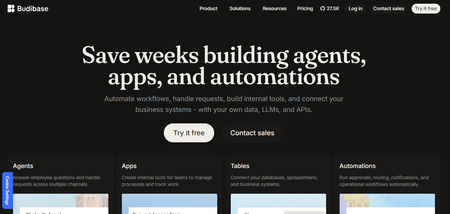
Budibase is a low-code platform for internal apps, forms, portals, and automations, available as Budibase Cloud or a self-hosted open-source deployment.
Best for: Teams wanting an open-source, self-hosted internal-tool stack with a built-in database.
Key features:
- Built-in database plus external data sources
- Automations and responsive app builder
- Docker/Kubernetes self-hosting
Ease of use and setup: Similar to Appsmith for visual building; self-hosting still adds infrastructure work.
What users like: Budibase has 4.5/5 from 67 G2 reviews, with ease of use, integrations, and fast app building recurring positives.
Limitations: Cloud plans meter actions and charge separately for end users; self-hosting shifts maintenance to your team.
Pricing: Self-hosted open source is free; Cloud Pro is $19/month and Premium $49/month on yearly billing. End users cost $5/user/month. Pricing details were verified in August 2026.
Ownership and lock-in: You can self-host and export/import Budibase apps, but exports remain Budibase application packages rather than a conventional standalone codebase.
Migration from Appsmith: Low to moderate effort; rebuild screens and queries while reconnecting compatible databases and APIs.
Why it’s a good Appsmith alternative: The built-in database creates a more self-contained open-source stack without giving up self-hosting.
2. Retool
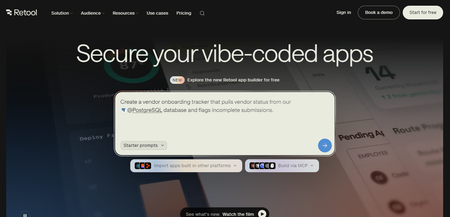
Retool is a managed low-code platform for internal apps, workflows, and admin tools connected to existing data.
Best for: Teams willing to pay more to reduce infrastructure and upgrade work.
Key features:
- Database and API connectors
- Apps, workflows, and agents
- Cloud or self-hosted deployment
Ease of use and setup: Less operational work than self-hosted Appsmith, with a familiar visual builder.
What users like: G2 reviewers frequently mention fast development, ease of use, and strong data integrations.
Limitations: Per-user pricing becomes costly as builder and internal-user counts grow.
Pricing: Free for up to 5 users; Team is $10/builder/month + $5/internal user/month annually. Business is $50 + $15 respectively. The pricing details were verified in August 2026.
Ownership and lock-in: Your data can stay external, but Retool apps remain tied to Retool’s runtime.
Migration from Appsmith: Low to moderate effort; rebuild screens and logic while reconnecting existing data sources.
Why it’s a good Appsmith alternative: Higher licence cost can trade off against less infrastructure, patching, and upgrade work.
3. Modelence
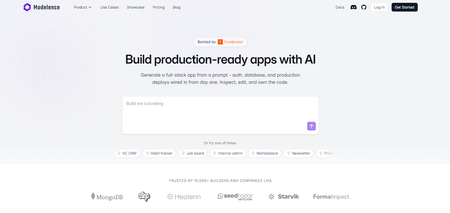
Modelence is a full-stack AI builder that generates a conventional TypeScript, React, and MongoDB codebase.
Best for: Appsmith tools evolving into customer-facing or long-term products.
Key features:
- Built-in auth and roles
- Scheduled jobs and monitoring
- Exportable source code
Ease of use and setup: More developer-oriented than Appsmith, despite prompt-based generation.
What users like: A G2 review values the integrated auth, database, hosting, and monitoring workflow.
Limitations: It requires more development comfort and lacks Appsmith’s broad widget catalogue.
Pricing: Free includes $5 of App Builder usage; Starter is $20/month with one production instance and $20 included usage. Pricing details were verified in August 2026.
Ownership and lock-in: Code can be exported to GitHub, run locally, or hosted elsewhere.
Migration from Appsmith: Moderate to high effort; rebuild screens and logic while reconnecting existing data sources.
Why it’s a good Appsmith alternative: It trades Appsmith’s widget model for stronger ownership, handover, and external-user flexibility.
4. ToolJet
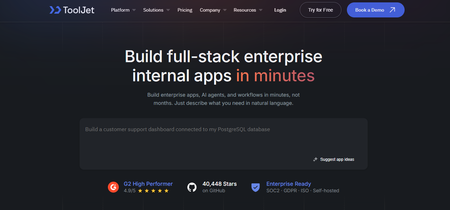
ToolJet is an open-source low-code platform for internal apps, available in cloud and self-hosted deployments.
Best for: Teams wanting to stay close to Appsmith’s open-source internal-tool model.
Key features:
- 80+ data sources
- Custom React components
- Git sync and self-hosting
Ease of use and setup: Similar to Appsmith, though advanced configuration still needs technical knowledge.
What users like: ToolJet has 4.6/5 from 53 G2 reviews, with ease of use and integrations recurring positives.
Limitations: Reviewers report performance slowdowns on complex apps and large datasets.
Pricing: Free supports 2 builders and 50 end users; Pro is $79/builder/month and Team is $199/builder/month on the displayed annual pricing. The pricing details were verified in August 2026.
Ownership and lock-in: Self-hosting and GitSync improve control, but apps remain ToolJet applications rather than standalone source projects.
Migration from Appsmith: Low to moderate effort; rebuild screens and queries while reconnecting existing data.
Why it’s a good Appsmith alternative: It keeps the open-source, self-hosted model while offering a comparable low-code workflow.
5. Refine
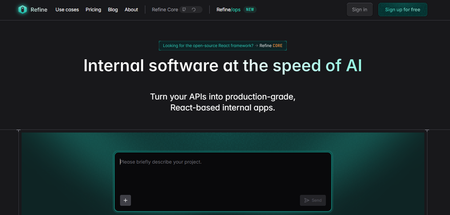
Refine is an AI internal-app builder built on the open-source Refine Core React framework, with full source-code export on Pro.
Best for: Developers who want a real React/TypeScript codebase instead of platform configuration.
Key features:
- AI app generation
- React/TypeScript output
- Code export and self-hosting
Ease of use and setup: More code-oriented than Appsmith, but AI handles much of the initial build.
What users like: Its single G2 review values the built-in create, read, update, and delete (CRUD) logic, though the sample is too small for broad sentiment.
Limitations: More development work than a drag-and-drop widget builder.
Pricing: Starter is $0.99/month with 300 credits; Pro is $20/month with 1,500 credits and code export. The pricing details were verified in August 2026.
Ownership and lock-in: Pro exports standard React/TypeScript source that can be hosted anywhere.
Migration from Appsmith: Moderate effort; rebuild the UI and logic while reconnecting existing APIs and databases.
Why it’s a good Appsmith alternative: It provides stronger code ownership and conventional developer handover.
6. Superblocks
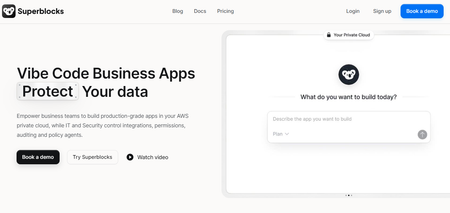
Superblocks combines AI, visual building, and React code for governed internal enterprise apps.
Best for: Teams prioritizing governance, security, and lower infrastructure overhead.
Key features:
- AI and visual app building
- React code editing
- Enterprise governance and integrations
Ease of use and setup: Managed hosting reduces Appsmith-style platform maintenance, though advanced use remains technical.
What users like: G2 reviewers frequently cite ease of use, integrations, and fast internal-app development.
Limitations: Enterprise governance features require the custom-priced Enterprise tier.
Pricing: Teams is $125/month or $100/month billed annually, with one hosted app and unlimited end users; Enterprise is custom. The pricing details were verified in August 2026.
Ownership and lock-in: Apps use editable React code and can be exported and hosted independently.
Migration from Appsmith: Moderate effort; rebuild screens and logic while reconnecting existing systems.
Why it’s a good Appsmith alternative: It reduces self-hosting overhead while adding stronger governance and code portability.
7. UI Bakery
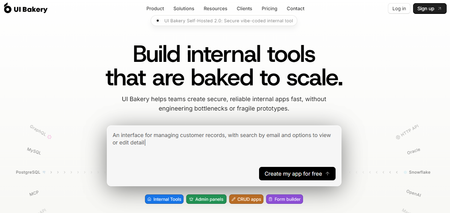
UI Bakery is a low-code platform for internal tools, portals, dashboards, and automations with cloud and self-hosted options.
Best for: Teams wanting managed development with optional self-hosting.
Key features:
- Database and API connections
- Automations and scheduled jobs
- Code export and self-hosting
Ease of use and setup: Visual building is approachable, while complex workflows may need more technical knowledge.
What users like: G2 reviewers often mention fast development, ease of use, and customization.
Limitations: AI credits and automation runs are capped on lower tiers.
Pricing: Free; Builder is $25/month or $20/month annually, while Team is $40/month or $35/month annually per developer. The pricing details were verified in August 2026.
Ownership and lock-in: Self-hosting and code export improve portability, though some platform features remain UI Bakery-specific.
Migration from Appsmith: Low to moderate effort; rebuild screens and logic while reconnecting existing data.
Why it’s a good Appsmith alternative: It reduces infrastructure work while retaining self-hosting and developer control.
8. Jet Admin
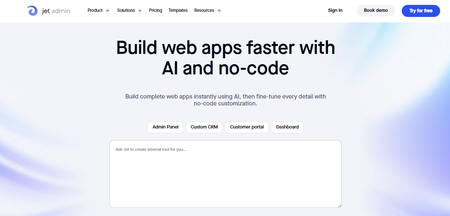
Jet Admin is a low-code builder for internal tools and customer portals connected to databases and business apps.
Best for: Teams needing governance and permissions without a heavy enterprise stack.
Key features:
- Database and API connectors
- Version control and environments
- On-premise deployment
Ease of use and setup: Similar to Appsmith for common dashboards and CRUD tools.
What users like: G2 reviewers mention quick internal-tool setup and accessible dashboards.
Limitations: Internal-tool pricing is per user, and on-premise deployment adds Docker maintenance.
Pricing: For Internal Tools, Jet Admin is free for 1 user; Starter costs $30/user/month or $24/user/month billed annually, while Pro costs $60/user/month or $48/user/month billed annually.
The pricing details were verified in August 2026.
Ownership and lock-in: Data can remain in your infrastructure, but exported app configurations remain Jet Admin-specific.
Migration from Appsmith: Low to moderate effort; rebuild screens and permissions while reconnecting existing data.
Why it’s a good Appsmith alternative: It adds stronger governance options while keeping a familiar low-code model.
9. WeWeb
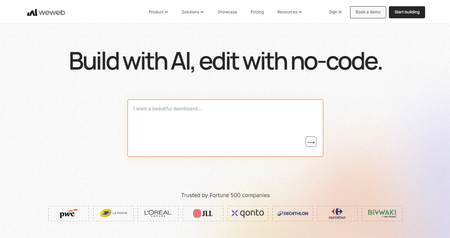
WeWeb is a visual web-app builder with native or external backends and exportable Vue.js frontend code.
Best for: Teams moving from internal tools toward customer-facing applications.
Key features:
- Visual UI and workflows
- Native or external backends
- Vue.js code export and self-hosting
Ease of use and setup: More frontend-focused than Appsmith, with extra architecture decisions around backend and hosting.
What users like: G2 reviewers often value its flexibility, visual control, and backend integrations.
Limitations: External backends and self-hosting add infrastructure decisions that Appsmith can abstract differently.
Pricing: Free to build; paid plans start at $20/month per builder seat with unlimited end users. The pricing details were verified in August 2026.
Ownership and lock-in: Paid plans export a standalone Vue.js app that can run without WeWeb.
Migration from Appsmith: Moderate effort; rebuild the frontend and workflows while reconnecting compatible backends.
Why it’s a good Appsmith alternative: It offers stronger frontend freedom and code portability for customer-facing products.
Finding the Right Fit For Your Needs
Choose based on why you are leaving Appsmith:
- Closest replacement: ToolJet
- Less maintenance: Retool
- More code ownership: Refine
- Outgrowing internal tools: Modelence
- Customer-facing frontend: WeWeb
An Appsmith migration usually means rebuilding screens, permissions, and app logic, while existing databases and APIs can often stay in place.
Frequently asked questions (FAQs)
What is the best Appsmith alternative?
ToolJet is the closest replacement, while Modelence fits teams turning internal tools into full applications.
Is Appsmith really free?
Yes, Appsmith has a free tier and an open-source core, but hosting and maintenance can still create costs.
What is the best open-source Appsmith alternative?
Budibase and ToolJet are strong open-source alternatives for internal tools.
Can you migrate an Appsmith app to another platform?
Yes, but screens and logic usually need rebuilding while databases and APIs can often stay in place.
Should you self-host or use a managed internal tool builder?
Self-host for infrastructure control; choose managed hosting to reduce upgrades, backups, and maintenance.
Can Appsmith build customer-facing apps?
Yes, but platforms built for external users may offer more flexibility as the product grows.
What happens to Appsmith apps when the developer who built them leaves?
The app remains, but poorly documented queries, JavaScript, and infrastructure can make handover difficult.
Related articles