TL;DR
Key takeaways
- A FastAPI app in production needs uvicorn listening on 0.0.0.0, a cheap health check endpoint, a managed Postgres database and a separate worker for slow jobs.
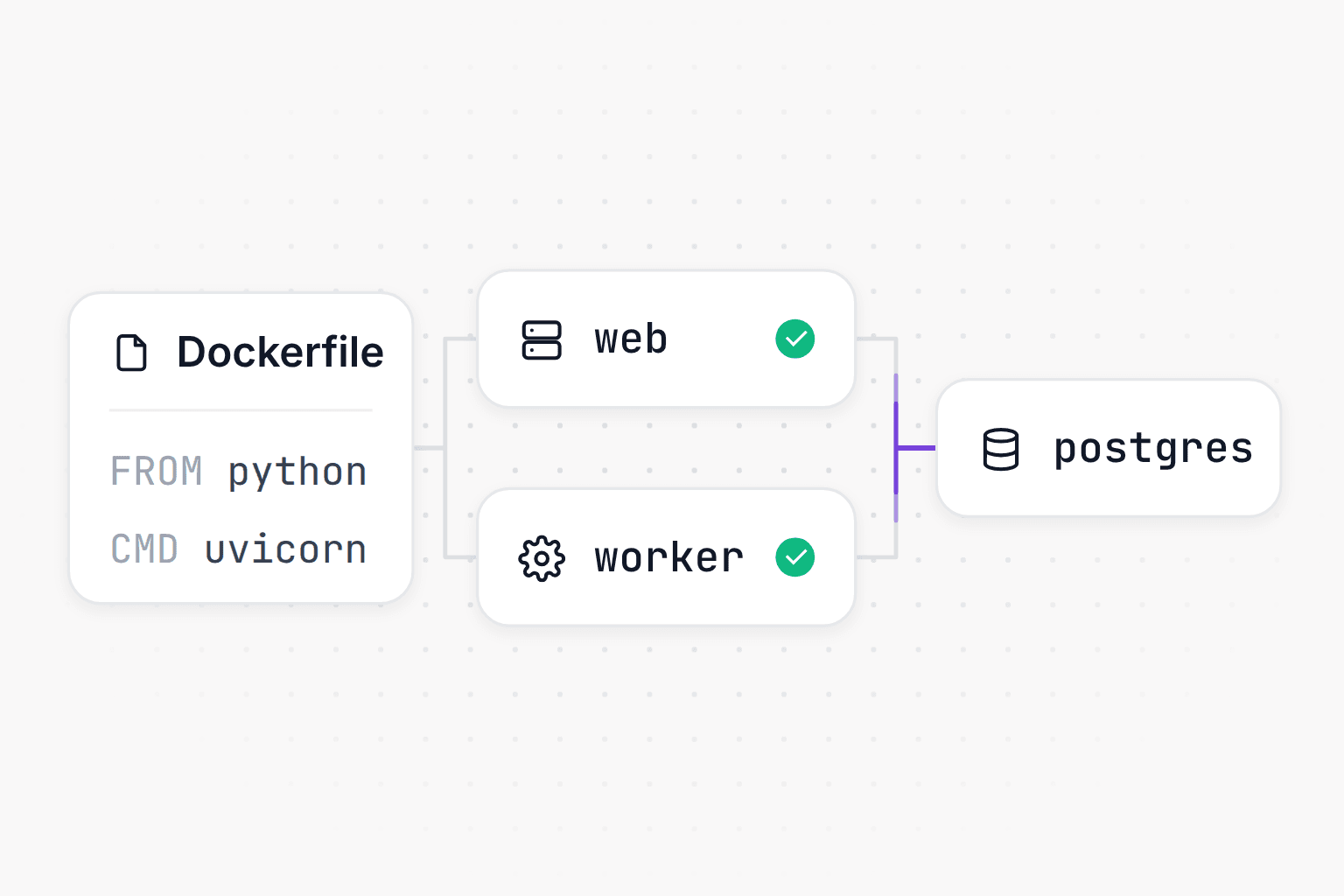
- The web service and the worker can share one Dockerfile: the CMD starts uvicorn and the worker overrides it with its own start command.
- Postgres can double as the job queue with FOR UPDATE SKIP LOCKED, so there is no Redis or broker to run.
- Migrations belong before the deploy, not in the container's start command, where several containers run them at once.
- On Modelence Cloud, two services and a Postgres database fit in one modelence.config.json, and Claude Code, Cursor or Codex can run the deploy.
Ask AI about this post:
To deploy a FastAPI app to production, you need a host that runs your container around the clock, a managed Postgres database with backups, and a separate process for background work so slow jobs never block your API. This guide builds that setup step by step: a FastAPI web service and a background worker from one Dockerfile, sharing one Postgres database, deployed to AWS on Modelence Cloud by your coding agent. The same app runs on any host that runs containers, and the parts about the worker, health checks and migrations apply everywhere.
What a FastAPI app needs in production
Running uvicorn main:app --reload on your laptop hides a few things production needs. The server listens only on 127.0.0.1, the database is a local file or container, and anything you start with FastAPI's BackgroundTasks runs inside the same process as your API. In production you want:
- A web process that listens on
0.0.0.0. Uvicorn binds to127.0.0.1by default, which works locally and fails silently in a container, because nothing outside the container can reach it. - A health check endpoint. The host sends traffic to a new version only after it answers, and replaces a container that stops answering.
- A managed Postgres database. With automatic backups, a connection string passed in as an environment variable, and TLS between the app and the database.
- A worker process for slow work. Sending emails, generating reports, calling an AI model or syncing with another API.
BackgroundTasksis fine for small things, but a task in flight is lost when the container restarts during a deploy, and heavy work competes with your requests for the same CPU. - Migrations that run once. Not on every container start, where several containers run them at the same time during a rollout.
The example app
The app is a FastAPI API that accepts a request, stores a job in Postgres and returns right away, and a worker that picks up jobs and does the slow part. Postgres doubles as the job queue, so there is no Redis or message broker to run.
my-app/
  app/
    __init__.py
    db.py
    main.py
    worker.py
    schema.sql
  requirements.txt
  Dockerfile
  .dockerignore
  modelence.config.json
requirements.txt:
fastapi
uvicorn[standard]
sqlalchemy
psycopg[binary]
Step 1: connect to Postgres
The app reads the connection string from DATABASE_URL. Modelence passes it as a standard postgresql://...?sslmode=require URL, and SQLAlchemy needs the driver in the scheme to use psycopg 3, so db.py adds it:
# app/db.py
import os
from sqlalchemy import create_engine

url = os.environ["DATABASE_URL"].replace("postgresql://", "postgresql+psycopg://", 1)
engine = create_engine(url, pool_pre_ping=True)
The jobs table goes in schema.sql:
-- app/schema.sql
CREATE TABLE IF NOT EXISTS jobs (
  id bigserial PRIMARY KEY,
  kind text NOT NULL,
  payload jsonb NOT NULL DEFAULT '{}',
  status text NOT NULL DEFAULT 'queued',
  created_at timestamptz NOT NULL DEFAULT now(),
  finished_at timestamptz
);
Step 2: the FastAPI service
The API has a health endpoint for the host and one endpoint that queues a job:
# app/main.py
from fastapi import FastAPI
from pydantic import BaseModel
from sqlalchemy import text
from app.db import engine

app = FastAPI()

class ReportRequest(BaseModel):
    name: str

@app.get("/health")
def health():
    return {"ok": True}

@app.post("/reports")
def create_report(req: ReportRequest):
    with engine.begin() as conn:
        job_id = conn.execute(
            text("INSERT INTO jobs (kind, payload) VALUES ('report', jsonb_build_object('name', :name)) RETURNING id"),
            {"name": req.name},
        ).scalar_one()
    return {"job_id": job_id}
Keep /health cheap. It answers whether the process is up, and a slow database query there can get a healthy container replaced during a short database hiccup.
Step 3: the background worker
The worker claims one queued job at a time with FOR UPDATE SKIP LOCKED, so you can run several workers later without two of them taking the same job:
# app/worker.py
import pathlib
import time
from sqlalchemy import text
from app.db import engine

CLAIM = text("""
    SELECT id, kind, payload FROM jobs
    WHERE status = 'queued'
    ORDER BY id
    FOR UPDATE SKIP LOCKED
    LIMIT 1
""")

def handle(job):
    # The slow part: build the report, send the email, call the model.
    print(f"handling job {job.id}: {job.kind} {job.payload}", flush=True)

def main():
    with engine.begin() as conn:
        conn.execute(text(pathlib.Path(__file__).with_name("schema.sql").read_text()))

    while True:
        with engine.begin() as conn:
            job = conn.execute(CLAIM).first()
            if job:
                handle(job)
                conn.execute(
                    text("UPDATE jobs SET status = 'done', finished_at = now() WHERE id = :id"),
                    {"id": job.id},
                )
        if not job:
            time.sleep(2)

if __name__ == "__main__":
    main()
The job is handled inside the transaction that locked it. If the worker crashes or is stopped halfway, the transaction rolls back and the job goes back to the queue for the next run. For jobs that take minutes, mark them as running in a short transaction instead and add a timeout that requeues stuck ones.
The worker creates the table when it starts. That works here because CREATE TABLE IF NOT EXISTS is fast and only one worker container runs it. Once the schema grows, move to Alembic and run alembic upgrade head against the environment's database before the deploy that needs it, rather than in the container's start command.
Step 4: one Dockerfile for both services
The web service and the worker run the same code, so they share one image. The Dockerfile's CMD starts the web server, and the worker overrides it with its own start command in the config.
FROM public.ecr.aws/docker/library/python:3.13-slim
WORKDIR /app
ENV PYTHONUNBUFFERED=1
COPY requirements.txt .
RUN pip install --no-cache-dir -r requirements.txt
COPY . .
CMD ["uvicorn", "app.main:app", "--host", "0.0.0.0", "--port", "8000"]
The base image comes from AWS's public mirror of Docker Hub, which avoids Docker Hub's rate limits during builds. --host 0.0.0.0 is the line most first deploys miss, and there is no --reload. Add a .dockerignore so local files stay out of the image:
.git
.venv
.env
__pycache__
Step 5: two services and a database in modelence.config.json
modelence.config.json describes everything the environment runs: the two services built from the Dockerfile, and a managed Postgres database whose connection string reaches both of them as DATABASE_URL.
{
  "$schema": "https://cloud.modelence.com/schema/modelence.config.json?version=1",
  "resources": {
    "web": {
      "type": "service",
      "dockerfile": "Dockerfile",
      "ports": [8000],
      "healthCheck": { "type": "http", "path": "/health" }
    },
    "worker": {
      "type": "service",
      "dockerfile": "Dockerfile",
      "start": { "commands": ["python -m app.worker"] },
      "healthCheck": { "type": "none" },
      "rollout": "recreate"
    },
    "main-db": { "type": "postgres", "plan": "postgres-1gb" }
  },
  "env": {
    "DATABASE_URL": { "type": "resource", "resource": "main-db", "output": "url" }
  }
}
A few details matter here:
webcomes first. The environment's public URL is attached to the first service.ports: [8000]tells the platform which port uvicorn listens on, and the HTTP health check calls/healthon it. A new version gets traffic only after it answers with a 2xx.- The worker has no port and no health check, since nothing calls it.
rollout: "recreate"stops the old worker before the new one starts, so a deploy never runs two versions of it side by side. main-dbis created on the first deploy in the environment's region, backed up automatically, and kept with its data on every later deploy.
The services reach each other over a private network. If the worker needs to call the API, declare "API_URL": { "type": "resource", "resource": "web", "output": "url" } in env and read it in the code instead of hardcoding a hostname. The multiple services docs have the details.
Step 6: check it locally
Build the image and run both services against a local Postgres before you deploy. It catches the 127.0.0.1 binding and missing dependencies in a minute instead of in a failed deploy:
docker network create dev
docker run -d --name pg --network dev -e POSTGRES_PASSWORD=dev postgres:17
docker build -t my-app .

export LOCAL_DB=postgresql://postgres:dev@pg:5432/postgres
docker run --rm --network dev -e DATABASE_URL=$LOCAL_DB my-app python -m app.worker &
docker run --rm --network dev -p 8000:8000 -e DATABASE_URL=$LOCAL_DB my-app
Then curl -X POST localhost:8000/reports -H 'content-type: application/json' -d '{"name":"weekly"}' should return a job id, and the worker's output should show it handled the job.
Step 7: deploy with your coding agent
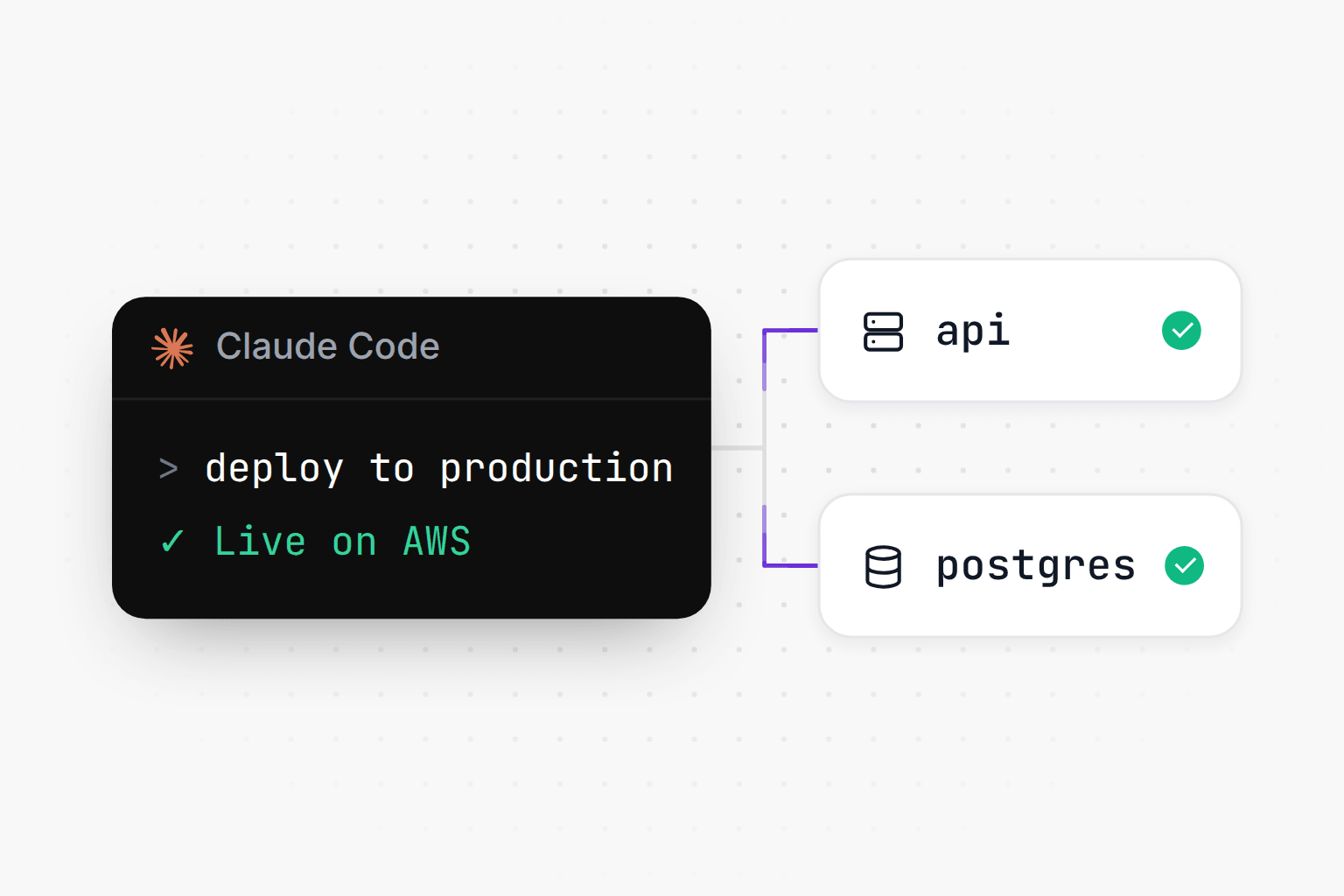
Claude Code, Cursor and Codex can do the setup and the deploy. Paste this into the agent from the project folder:
Use https://docs.modelence.com/deploy/setup.md to set up Modelence deployment for this project.
It is a FastAPI app with a web service and a background worker from one Dockerfile, and it needs a managed Postgres database passed in as DATABASE_URL.
The agent writes or checks modelence.config.json, builds and runs the image locally, and runs the deploy command. You can also run it yourself:
npx modelence@latest deploy
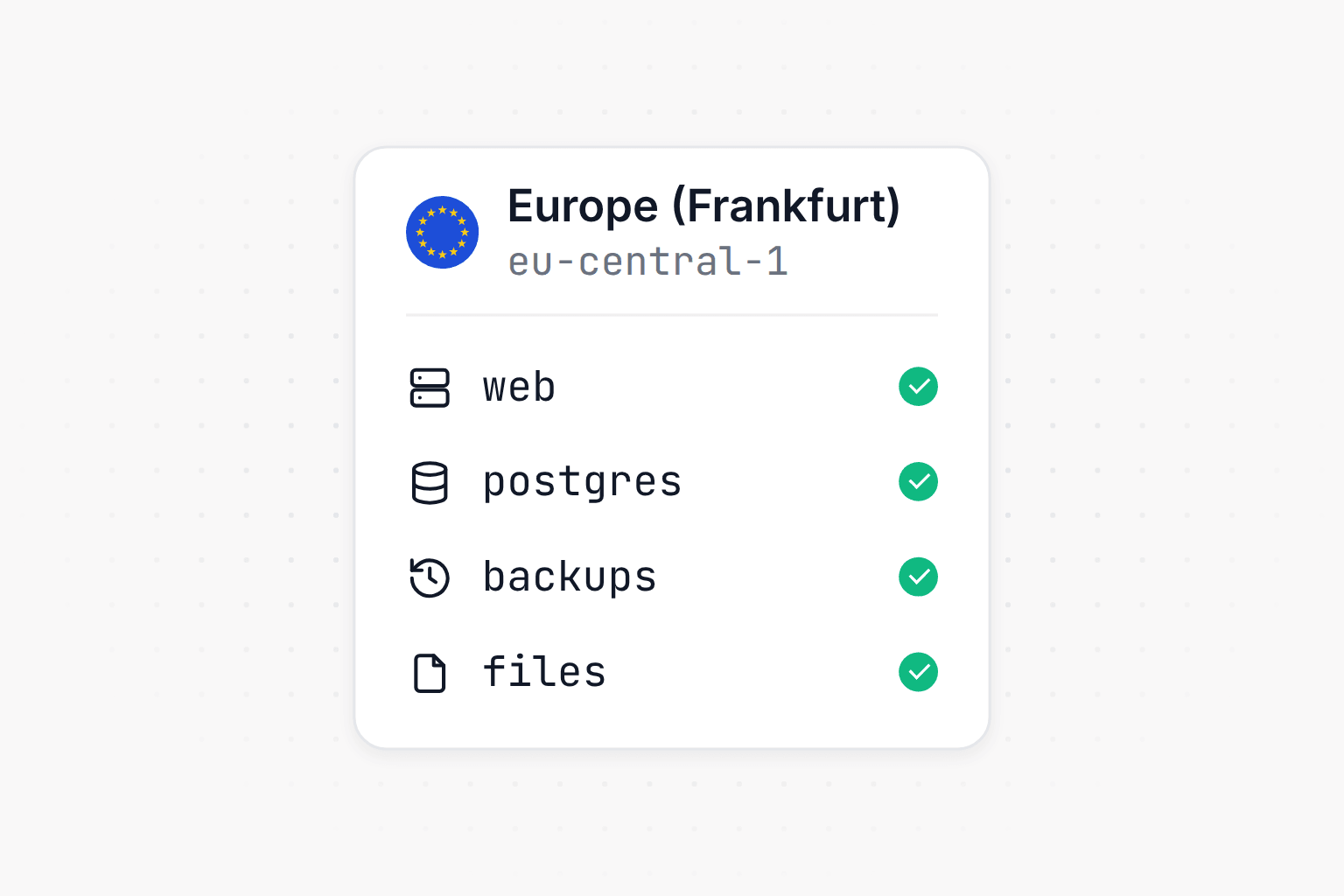
On the first deploy a browser window opens where you sign in, create the app and environment, and pick the region it runs in, including EU regions such as Frankfurt. The CLI then uploads the project and follows the build of each service until the app is live. In the Modelence dashboard, the environment's overview lists web and worker with their status and a logs link for each container, and Deployments shows each deploy step by service. Container sizes are set per service there, starting at 0.25 vCPU and 0.5 GB of memory for $0.013 an hour.
Adding scheduled jobs
Nightly reports, cleanups and syncs run best as their own small service. A scheduler that only adds rows to the jobs table keeps the schedule apart from the work, and the worker does the rest:
# app/scheduler.py
from apscheduler.schedulers.blocking import BlockingScheduler
from sqlalchemy import text
from app.db import engine

def queue_nightly_report():
    with engine.begin() as conn:
        conn.execute(text("INSERT INTO jobs (kind) VALUES ('nightly-report')"))

scheduler = BlockingScheduler(timezone="UTC")
scheduler.add_job(queue_nightly_report, "cron", hour=3, minute=0)
scheduler.start()
Add apscheduler to requirements.txt and the service to the config, next to the worker:
"scheduler": {
  "type": "service",
  "dockerfile": "Dockerfile",
  "start": { "commands": ["python -m app.scheduler"] },
  "healthCheck": { "type": "none" },
  "rollout": "recreate"
}
Keep the scheduler at one container. With recreate, a deploy also never has an old and a new scheduler running at the same moment, so a job is not queued twice.
Where else you can host a FastAPI app
Any host that runs a container from a Dockerfile can run this app. The differences are in how the worker and the database are set up and billed:
- Render has web services, background workers and cron jobs as separate service types, with managed Postgres, at fixed monthly instance prices.
- Railway runs each service from your repository or a Dockerfile, with Postgres as a template in the project, billed by the CPU and memory you use.
- Fly.io runs Dockerfiles as Machines in the regions you choose. The worker is a separate process group, and Postgres comes from Fly's managed offering or another provider.
- AWS directly (ECS on Fargate or App Runner, with RDS) gives you full control and the most setup: networking, IAM, load balancer, secrets and backups are yours to configure.
Modelence Cloud runs the same containers on AWS with the database, backups, private networking and health checks set up from one config file, which is why the whole setup above fits in about twenty lines of JSON. If you are moving a FastAPI app from Railway, the Railway migration guide walks through the move.
Common problems after the first deploy
- The health check fails and the deploy rolls back. Uvicorn is listening on
127.0.0.1, or on a different port than the one inports. Check theCMDand the config. ModuleNotFoundError: psycopg2. SQLAlchemy defaulted to psycopg2 because the URL starts withpostgresql://. Rewrite the scheme topostgresql+psycopg://as indb.py. asyncpg users need to stripsslmodefrom the URL and passssl="require"to the driver instead.- Migrations run several times or time out. They are in the
CMD. Move them out and run them before the deploy. - Data disappears after a deploy. The app writes to SQLite or to local files, and containers have no persistent disk. Use Postgres, and object storage for files.
- Jobs vanish during deploys. They ran in
BackgroundTasksinside the web process. Move them to the worker.
Frequently asked questions (FAQs)
How do I deploy a FastAPI app to production?
Package it in a Dockerfile that starts uvicorn with --host 0.0.0.0 and no --reload, add a /health endpoint, and deploy it to a host that runs containers and offers managed Postgres. Pass the database connection string in as DATABASE_URL, run migrations before the deploy, and move slow work to a separate worker process. On Modelence Cloud, your coding agent can write the config and run the deploy.
Should I use FastAPI BackgroundTasks or a separate worker?
BackgroundTasks runs the task inside the web process after the response is sent. It suits small, quick work like logging. For emails, reports, AI calls or anything that must not be lost, use a separate worker: a task in BackgroundTasks disappears if the container restarts during a deploy, and heavy work slows your API down.
Do I need Redis or Celery for a FastAPI worker?
Not for most apps. A jobs table in Postgres with SELECT ... FOR UPDATE SKIP LOCKED gives you a reliable queue that several workers can share without taking the same job twice. Celery with Redis or RabbitMQ makes sense when you need very high throughput, task routing or complex retries.
Can the web service and the worker use the same Dockerfile?
Yes. Build one image and give each service its own start command. On Modelence Cloud, the Dockerfile's CMD starts the web server and the worker sets start.commands in modelence.config.json, which replaces the CMD for that service.
Why does my FastAPI container fail its health check?
Usually uvicorn is listening on 127.0.0.1, its default, so nothing outside the container can reach it. Start it with --host 0.0.0.0 and make sure the port matches the one the host expects. A /health endpoint that queries the database can also fail during short database hiccups, so keep it cheap.
How do I run cron jobs for a FastAPI app?
Run the scheduler as its own small service, for example with APScheduler, and keep it at one container. Have it add rows to the jobs table and let the worker do the work, so the schedule and the processing scale separately.
Related articles