TL;DR
Key takeaways
- Fly.io added a Free plan with $5 of usage a month and a $4 Developer plan for Managed Postgres on November 23, 2026, and point-in-time restore starts on the $38 Basic plan.
- Fly.io deprecated 17 regions in September 2025, including Montreal, Seattle and Hong Kong, and Managed Postgres runs in 13 of the regions that remain.
- Fly's autostop starts and stops existing Machines, and adding Machines under load needs the separately deployed fly-autoscaler app.
- Koyeb and Northflank are the closest Fly.io alternatives for per-second billing across many regions, and Northflank can also run in your own cloud account.
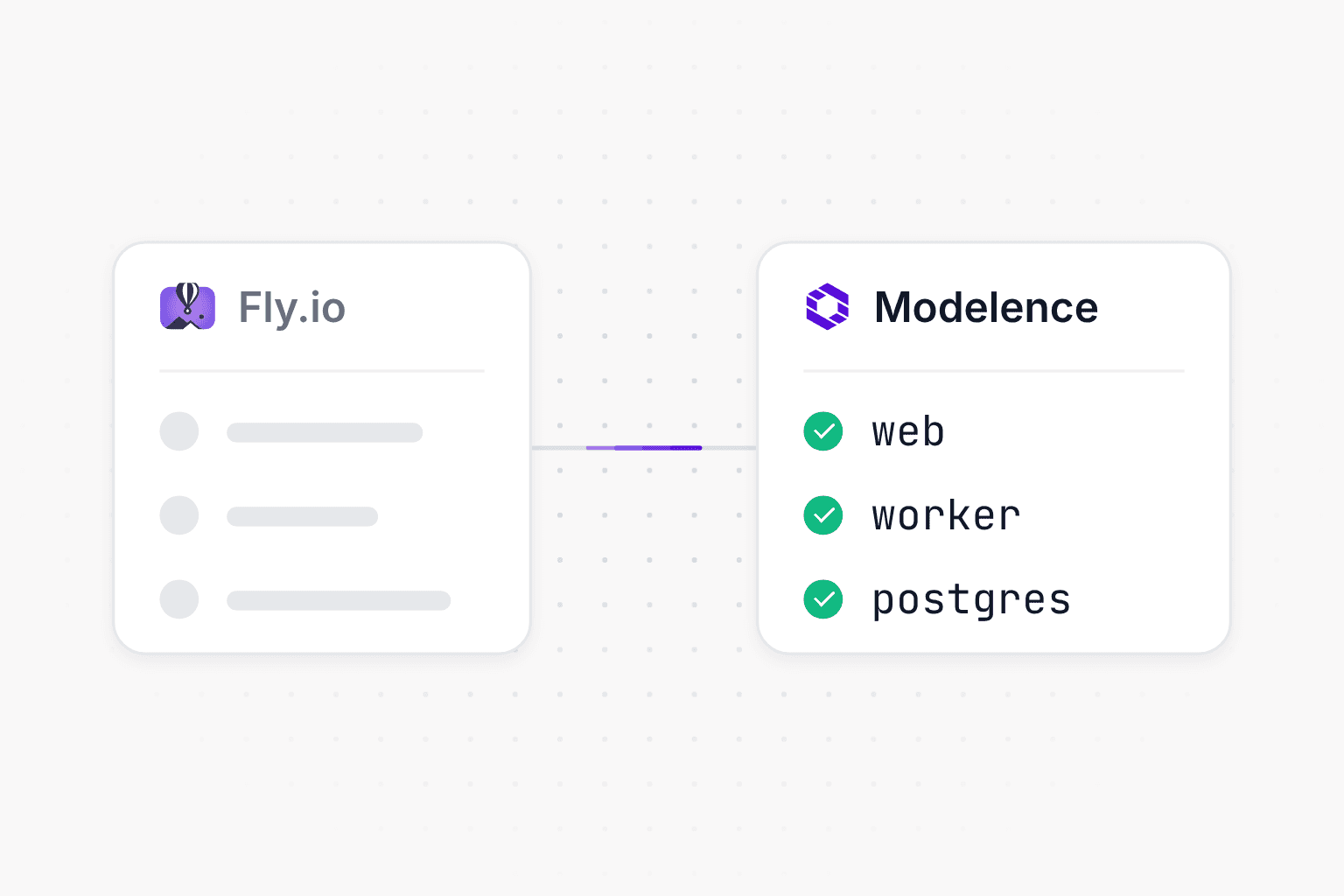
- Modelence is a Fly.io alternative that manages the databases, backups and failover for you, running services with PostgreSQL, MongoDB and Redis on AWS in 17 regions.
Ask AI about this post:
The best Fly.io alternatives in 2026 are Render and Railway for a simpler platform in a handful of regions, Koyeb and Northflank for per-second billing across many regions, and Modelence when you want your app and its databases on AWS in any of 17 regions with the backups, failover and on-call handled for you. DigitalOcean App Platform, Google Cloud Run and AWS ECS Express Mode cover teams that want a big cloud underneath, and Kamal runs your containers on servers you rent yourself. This guide compares nine Fly.io alternatives on regions, managed databases and pricing, with what moving each part of a Fly app looks like, using prices checked on November 25, 2026.
Why teams look for Fly.io alternatives
Fly.io runs apps as Machines, fast-booting virtual machines that you can place in regions close to your users, and that model still suits latency-sensitive apps well. Fly also shipped a Free plan and a $4 Managed Postgres plan in November 2026. The reasons teams move on tend to come from three places: regions, Machines and databases.
- Regions changed under some apps. In September 2025 Fly.io consolidated its regions and deprecated 17 of them, including Montreal, Seattle, Miami, Madrid and Hong Kong, so apps that ran there had to move. Today's regions span six continents, and the homepage and the docs list a different number of them, so check the regions reference for the city you need.
- Databases are the expensive part of a small app. Fly Managed Postgres starts at $4 a month on the Developer plan, which pauses after 15 minutes without a client, keeps one daily backup for a day and restores only from that backup. Point-in-time restore and connection pooling start on the Basic plan at $38 a month, and Managed Postgres runs in 13 of Fly's regions. The older unmanaged Fly Postgres is no longer maintained, and Fly support can't help with it, so teams still on it have to move their data either way.
- Machines leave more to you. Autostop and autostart start and stop the Machines you already have, and adding Machines under load means deploying the separate fly-autoscaler app. Scheduled Machines run on loose hourly, daily, weekly or monthly intervals with no cron syntax, so exact schedules need a scheduler such as Cron Manager or Supercronic running in your app.
- Uptime commitments cost extra. Fly's only published uptime SLA, 99.9%, comes with Enterprise support from $2,500 a month. On October 16, 2026, Fly patched and rebooted its whole fleet for a Linux kernel bug, and apps running on a single Machine went down while their host rebooted.
- The company's focus has widened. In July 2026 Fly.io named a new CEO and focused the company on Sprites, its sandboxes for AI agents, while saying that Machines and its platform features "aren't going anywhere". GPU Machines were retired during 2026.
If your app needs to run in many regions at once, Fly.io is still one of the few platforms built for that. If it runs in one or two regions and the database matters more than edge placement, most of the platforms below will be simpler to operate.
The best Fly.io alternatives at a glance
| Platform | Starting price | Managed databases | Regions |
|---|---|---|---|
| Modelence | Free; Starter $20/mo | PostgreSQL, MongoDB, Redis | 17 AWS regions |
| Render | Instances from $7/mo | Postgres, Key Value | 5 |
| Railway | Free; Hobby $5/mo | Postgres, MySQL, Redis, MongoDB | 4 |
| Koyeb | Pro $29/mo plus compute | Postgres | 7 |
| Northflank | Free sandbox; from $2.70/mo | Postgres, MySQL, MongoDB, Redis | 17, or your own cloud |
| DigitalOcean App Platform | Containers from $5/mo | Postgres, MySQL, MongoDB, Valkey | 12 |
| Google Cloud Run | Free tier, then per use | Cloud SQL, Memorystore | Google Cloud regions |
| AWS ECS Express Mode | About $60/mo with RDS | RDS, ElastiCache | Nearly all AWS regions |
| Kamal | Free and open source | Accessories on your servers | Your servers |
For comparison, Fly.io's smallest Machine (shared-cpu-1x with 256 MB) costs $2.19 a month in Ashburn, and a Machine with 1 GB costs $6.70.
The 9 best Fly.io alternatives in 2026
1. Modelence
Modelence is a Fly.io alternative that manages the databases, backups and failover for you. It runs your services, databases and scheduled jobs on AWS in the region you choose and keeps operating them after the deploy. An app is described in one modelence.config.json file, which can hold several services, such as a web app, an API built from its own Dockerfile in any language and a background worker, along with their databases and secrets. Your coding agent, whether that is Claude Code, Cursor or Codex, can write the file by reading modelence.com/skill.md and run the first deploy, which creates everything in the region you pick and passes the connection strings to the app. The deployment overview shows how the config file works.
Best for: teams that want their app and its data on AWS in a region they choose, with the database, its backups and the on-call off their plate.
Coming from Fly.io: each process group in your fly.toml becomes a service in the config file, and the same Dockerfile builds it. Data that lived on a Fly volume or in Fly Postgres moves into a managed database instead, and scheduled Machines become scheduled jobs that run alongside the backend on exact schedules, with Modelence noticing when one stops running.
How it runs your app: containers run on AWS Fargate across two availability zones and are health-checked every 30 seconds. A new version starts next to the running one and takes traffic only once it passes its health checks, and a version that keeps crashing is rolled back while the previous one keeps serving. Every app gets a sandbox and a production environment. On Pro and above, production autopilot operates the app 24/7: it replaces crashed instances, reroutes traffic and adds capacity under load, then sends you a report, and problems that need a code change, like a memory leak or a slow query, are traced to where they start in your code. See monitoring.
Databases: managed PostgreSQL, MongoDB and Redis, created in the same region as the app on the first deploy. Production databases fail over to a healthy machine automatically and are snapshotted at least every six hours on every plan, with encrypted snapshots kept on a rolling schedule for up to 12 months, and restores are handled by the Modelence team. See managed databases.
Regions: 17 AWS regions across the Americas, Europe and Asia Pacific, including Montreal, São Paulo, Mumbai, Seoul, Tokyo and Sydney. The app, its databases and their backups are all created in the region you choose. Data is encrypted at rest and in transit, production services run to a 99.9% uptime target with a public status page, secrets are viewable in the dashboard with every view logged, and Modelence signs BAAs on the Enterprise plan. The infrastructure page lists every region.
Pricing: free for side projects. Starter is $20 a month, Pro is $100 and Scale is $500, and each paid plan includes its price in cloud usage, so the bill stays at the plan price unless your apps use more than it covers. The smallest instance, 0.25 vCPU with 0.5 GB of memory, is about $9 a month of that usage, and there is no per-seat charge. See pricing.
Portability: Modelence runs on standard AWS primitives, so if you later build your own DevOps team, you can replicate the setup in your own AWS account.
2. Render
Render runs web services, background workers, cron jobs and managed Postgres from a Git repo or a Dockerfile, at a fixed monthly price per instance.
Best for: single-region apps that want managed Postgres with point-in-time recovery at a low starting price, and predictable monthly bills.
Coming from Fly.io: Render builds from the Dockerfile Fly already uses, each process group becomes its own Render service, and scheduled Machines become cron jobs with standard cron expressions.
Pricing: the Hobby workspace is free plus compute, Pro is $25 a month plus compute and Scale is $499. Paid instances start at $7 a month for 0.5 CPU and 512 MB, and free web services spin down after 15 minutes without traffic. Bandwidth beyond the plan allowance (5 GB on Hobby, 25 GB on Pro) costs $0.15 per GB, against Fly's $0.02 in North America and Europe.
Databases: Postgres starts at $6 a month for 256 MB of RAM, with storage at $0.30 per GB and point-in-time recovery of 3 days on Hobby and 7 days on Pro and up. Key Value, Render's Redis-compatible store, has a free 25 MB plan and paid plans from $10 a month.
Regions: five, with Oregon, Ohio and Virginia in the US plus Frankfurt and Singapore. A service can't move to another region once created.
Tradeoff: five regions is fewer than Fly offers, and there is nothing in Canada, South America, Australia or Japan, so apps placed near users in those places would serve them from further away. Autoscaling needs a Pro workspace or higher. Our Render alternatives guide covers the platform in more depth.
3. Railway
Railway deploys services and databases from a repo with very little setup and bills CPU and memory by the second, much as Fly.io bills Machines.
Best for: small teams that like Fly's usage-based billing and want databases as one-click services instead of separate clusters.
Coming from Fly.io: Railway builds from your Dockerfile, each process group becomes a service, and Fly volumes become Railway volumes at $0.15 per GB a month, the same price as Fly's. Cron jobs start a service on a schedule at least five minutes apart and expect it to exit.
Pricing: a Free plan includes $1 of usage a month, Hobby is $5 a month and Pro is $20 per workspace, and each plan's price counts toward usage. Compute is about $20 per vCPU and $10 per GB of memory a month, and egress is $0.05 per GB.
Databases: Postgres, MySQL, Redis and MongoDB, each with a high-availability variant with automatic failover, plus backups and point-in-time recovery for Postgres and MySQL once you turn them on.
Regions: four, California, Virginia, Amsterdam and Singapore, all on hardware Railway owns and operates.
Tradeoff: Railway has no load-based horizontal autoscaling, so you set replica counts by hand, and it offers an uptime SLA only on Enterprise. In October 2026 it reported a security incident in which an attacker decrypted a subset of environment variables in up to about 1.85% of workspaces. Our Railway alternatives guide and Railway vs Render comparison cover it in more depth.
4. Koyeb
Koyeb is the platform closest to Fly.io in how it works: apps run on its own infrastructure in several regions, billed by the second, with autoscaling and scale to zero built in.
Best for: teams that want Fly-style global placement with autoscaling handled by the platform, or that need GPUs now that Fly has retired its GPU Machines.
Coming from Fly.io: Koyeb builds from a Dockerfile or buildpacks, or runs a prebuilt image, and each process group becomes a web or worker service. It has no built-in scheduler, and its own cron tutorial runs Supercronic inside a container, much as Fly's docs suggest.
Pricing: new sign-ups start on a paid plan. Pro is $29 a month plus compute, with $10 of compute included, and Scale is $299 a month plus compute, with $100 included and a 99.9% uptime SLA. Instances are billed by the second, from $2.68 a month for 256 MB and $10.71 for 1 GB, and GPUs such as an H100 at $2.50 an hour are billed the same way.
Databases: Postgres from $29.76 a month for 0.25 vCPU and 1 GB, with storage at $0.50 per GB, available in Washington, D.C., Frankfurt and Singapore.
Regions: seven across the US, Europe and Asia, including Washington, D.C., Frankfurt, Paris, Singapore and Tokyo, with San Francisco in preview.
Tradeoff: in February 2026 Koyeb agreed to join Mistral AI and said the platform would keep operating while it becomes part of Mistral Compute, so its longer-term direction depends on that move. Postgres runs in only three of its regions.
5. Northflank
Northflank is a container platform that runs services, jobs and databases on its own managed cloud or inside your own cloud account.
Best for: teams that want many regions and GPUs on a managed platform, with the option to move into their own AWS, Google Cloud or Azure account later.
Coming from Fly.io: services build from your Dockerfile or with buildpacks, scheduled Machines become cron jobs with a standard five-field schedule, and Fly volumes become persistent disks at about $0.12 per GB a month.
Pricing: a free Sandbox covers two services, two jobs and one database, and doesn't sleep. Pay as you go is billed per second with no seat fees, with plans from about $2.70 a month for 0.1 vCPU and 256 MB and $12 for 0.5 vCPU and 1 GB, and egress is $0.06 per GB. GPUs run from $0.80 an hour for an L4, and H100s are $2.74 an hour each in sets of eight.
Databases: managed addons for Postgres, MySQL, MongoDB, Redis, RabbitMQ and MinIO, with automatic failover for Postgres and MongoDB and backups on hourly, daily and weekly schedules.
Regions: 17 on Northflank's managed cloud, including Canada, Zurich, Delhi and South Africa, or any region of a cloud you bring, with AWS, Google Cloud, Azure, Oracle and CoreWeave listed for bring-your-own-cloud.
Tradeoff: there are more concepts to learn than on Fly, such as addons, secret groups, pipelines and BYOC clusters, which pays off at scale and slows down a first deploy.
6. DigitalOcean App Platform
App Platform is DigitalOcean's managed PaaS. It builds from a repo with Cloud Native Buildpacks or a Dockerfile and runs web services, workers and jobs next to DigitalOcean's managed databases.
Best for: teams that want flat prices, a dozen regions and managed databases with point-in-time recovery from one provider.
Coming from Fly.io: each process group becomes a service or worker in the app spec, and scheduled Machines become scheduled jobs with a cron expression and a time zone, running at most every 15 minutes and billed only while they run.
Pricing: up to three static-site apps are free. The smallest container is $5 a month with 512 MiB of memory and 50 GiB of transfer, and extra transfer is $0.02 per GiB.
Databases: a development Postgres database costs $7 a month, is not backed up by default and is deleted with the app. Managed Postgres, MySQL, MongoDB and Valkey start at about $15 a month, and managed Postgres can restore to any point in the last seven days.
Regions: 12 for apps, including New York, San Francisco, Toronto, London, Frankfurt, Amsterdam, Bangalore, Singapore and Sydney.
Tradeoff: the $5 and $10 containers run as one fixed instance, and autoscaling on CPU needs dedicated-CPU instances, though autoscaling on request rate also works on shared plans.
7. Google Cloud Run
Cloud Run runs containers on Google Cloud and scales them with requests, down to zero when idle, which covers what many teams use Fly's autostop for.
Best for: stateless APIs with uneven traffic, and teams already on Google Cloud.
Coming from Fly.io: gcloud run deploy --source builds from your Dockerfile, or with Google Cloud's buildpacks when there is none. Process groups become separate services, and scheduled Machines become Cloud Run jobs triggered by Cloud Scheduler.
Pricing: with request-based billing, the first 180,000 vCPU-seconds, 360,000 GiB-seconds and 2 million requests each month are free, and usage after that is rounded up to the nearest 100 milliseconds.
Databases: Postgres comes from Cloud SQL and Redis from Memorystore, each set up and billed separately. The smallest Cloud SQL instance, db-f1-micro, is about $8 a month plus storage, and shared-core instances like it aren't covered by the Cloud SQL SLA.
Regions: Google Cloud regions across the world.
Tradeoff: you put the pieces together yourself in Google Cloud, including networking and IAM, so an app with a worker and a database takes more setup than on Fly.
8. AWS with ECS Express Mode
If you want your app in your own AWS account, the closest native service is ECS Express Mode. You give it a container image, a task execution role and an infrastructure role, and it creates a Fargate service behind a load balancer with HTTPS, autoscaling and a URL. AWS App Runner, the older option, stopped accepting new customers on April 30, 2026, and AWS recommends Express Mode in its place.
Best for: teams with AWS experience that want full control in their own account.
Coming from Fly.io: you push the image your Dockerfile builds to ECR, each process group becomes its own service, data moves to RDS or ElastiCache, and schedules run as ECS tasks through EventBridge Scheduler.
Pricing: Express Mode itself has no extra charge, and you pay for the resources it creates. A small app with one Fargate task (0.5 vCPU, 1 GB), a load balancer and the smallest RDS Postgres instance comes to about $60 a month in us-east-1, before logs and data transfer.
Databases: Postgres and MySQL on RDS and Redis-compatible Valkey on ElastiCache.
Regions: nearly every AWS region.
Tradeoff: you own the operating, from networking and IAM to alarms and on-call. Our Railway to AWS guide maps each piece of a similar stack to its AWS service, and most of it applies to a Fly app too.
9. Kamal
Kamal is an open-source, MIT-licensed deploy tool from 37signals. It ships Docker containers to any servers over SSH, with zero-downtime deploys through kamal-proxy, and it is a common choice for teams who liked running their own containers on Fly and would rather rent plain servers.
Best for: developers comfortable with Linux servers who want the lowest compute cost.
Coming from Fly.io: the Dockerfile carries over as is, process groups become Kamal roles, and databases run as accessories, which are containers Kamal starts next to the app.
Pricing: Kamal is free, and you pay for the servers. Hetzner's smallest shared cloud server, for example, starts at about €5.50 to €6.50 a month in the EU.
Databases: whatever you run as an accessory or host elsewhere. Accessories are not updated when you deploy and don't get zero-downtime deploys, so backups and upgrades are yours to script.
Regions: wherever your servers are.
Tradeoff: you are responsible for the servers, including OS updates, database backups and failover, and recovering when a machine goes down.
Fly.io vs Render vs Railway
Fly.io vs Render
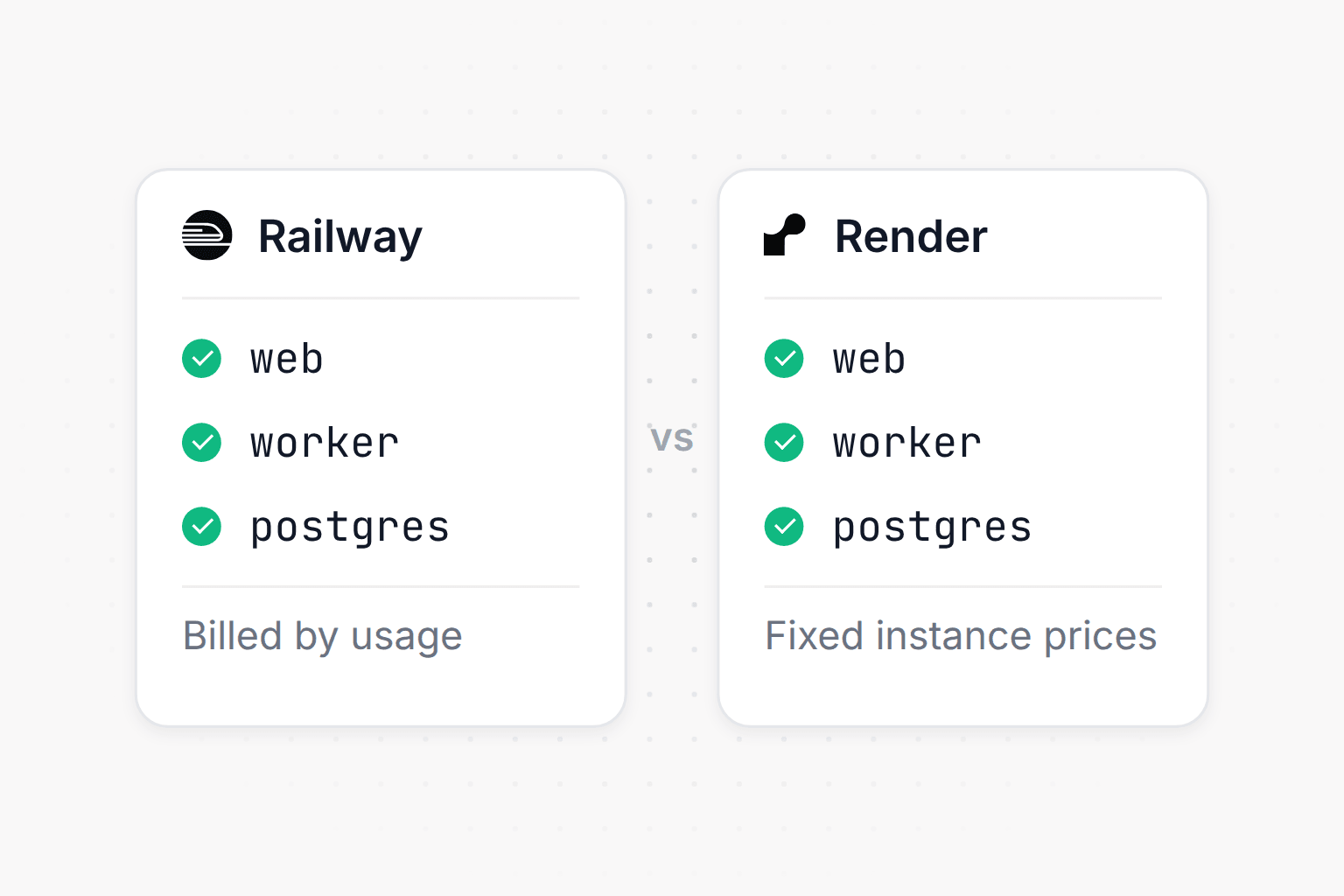
Fly.io bills Machines by the second and lets you place them in regions on six continents, while Render charges a fixed monthly price per instance in five regions. For a single-region app with a database, Render is usually the simpler of the two: its $6 Postgres plan includes point-in-time recovery, where Fly's comes with the $38 Basic plan, and its cron jobs take exact schedules. Fly is the better fit when the app has to answer quickly in many parts of the world, and it charges less for bandwidth, at $0.02 per GB in North America and Europe against Render's $0.15 beyond the plan allowance.
Fly.io vs Railway
Both bill by usage, so an idle app costs little on either. Railway runs in four regions on its own hardware and bundles Postgres, MySQL, Redis and MongoDB as services you add from templates, while Fly runs in more regions and offers Managed Postgres as a separate product, with Redis through Upstash. Neither adds instances under load out of the box: Railway runs the replica count you set, and Fly needs the fly-autoscaler app to create Machines, although its autostart can wake stopped ones.
Where your database can live
For many teams leaving Fly.io, the database decides the move, so it helps to check where each platform can put it. Fly Managed Postgres runs in 13 of Fly's regions. Modelence creates PostgreSQL, MongoDB and Redis in the same AWS region as the app, in any of its 17 regions. Render's Postgres runs in its five regions and Railway's databases in its four, DigitalOcean's managed databases sit in its own data centers, and Koyeb's Postgres runs in Washington, D.C., Frankfurt and Singapore. On AWS and Google Cloud, RDS and Cloud SQL are available in most regions, and you set them up and operate them yourself.
How to choose a Fly.io alternative
Start from what made you look, since each reason points to a different platform:
- You want managed databases without running them: Modelence for PostgreSQL, MongoDB and Redis with backups and failover handled, or Render and DigitalOcean for managed Postgres with point-in-time recovery.
- You want per-second billing across many regions: Koyeb or Northflank, and Northflank if you also want GPUs or your own cloud account later.
- You want a simpler workflow with usage-based billing: Railway.
- Your customers expect AWS: Modelence for 17 AWS regions without running AWS yourself, or ECS Express Mode if you have the team to operate it.
- You want the lowest cost and have ops experience: Kamal on rented servers, or Cloud Run if your traffic is bursty.
- You don't want to be on call: pick a platform that operates the app after the deploy, which is what Modelence's production autopilot does on Pro and above.
How to migrate off Fly.io
A Fly app moves in roughly the same steps wherever it is going:
- Save your configuration.
fly config save -a your-appwrites the app's currentfly.toml, which lists its process groups, mounts, health checks and release command. Fly secrets can't be read back:fly secrets listshows only names and digests, and the values are available only to the running app, so collect them from where you keep them before you start. - Recreate the processes. Each entry under
[processes]becomes a service on the new platform, built from the same Dockerfile, and therelease_commandbecomes a pre-deploy step or part of the start command. On Modelence, your coding agent readsfly.tomland the Dockerfile and writes each process into the config file. Our deploy guides for Docker, Node.js and other stacks walk through the setup. - Copy the database. For Managed Postgres,
fly mpg proxyforwards a local port to the cluster, so you can runpg_dumpagainst it and restore the dump into the new database withpg_restore. Stop writes first, or use logical replication if the app has to keep serving while data copies. - Move files off volumes. Files on a Fly volume can be copied out with
fly ssh sftp get, and uploads are usually best moved to object storage such as S3 rather than another disk. - Switch the domain. Lower the DNS TTL a day ahead, check the new app on its own URL, then point your domain at it. Once traffic has moved, scale the Fly app down with
fly scale count 0and delete it when you no longer need it as a fallback.
The Railway migration guide shows the same flow on Modelence step by step, from listing services to moving the domain, and most of it applies to a Fly app.
Frequently asked questions (FAQs)
What is the best alternative to Fly.io?
It depends on why you are leaving. Koyeb and Northflank are the closest in model, with per-second billing across many regions. Render and Railway are simpler for an app that runs in one region. If you want your app and its databases on AWS with backups, failover and on-call handled for you, Modelence is the better fit.
Does Fly.io have a free plan?
Yes. Since November 23, 2026, new Fly.io accounts start on a Free plan that covers $5 of usage a month once a card is added, for up to three Machines and one Developer Managed Postgres cluster. Going over $5 moves the organization to Pay As You Go, with the whole month billed at standard rates.
How much does Fly Managed Postgres cost?
The Developer plan is $4 a month and pauses after 15 minutes without a client, with one daily backup kept for a day. Basic, with 1 GB of memory, is $38 a month and adds point-in-time restore and connection pooling, and Starter with 2 GB is $72. Every plan includes high availability and automated backups, and storage beyond the Developer plan's 5 GB is $0.28 per GB.
Is Fly.io getting rid of Machines?
No. In July 2026 Fly.io named a new CEO and focused the company on Sprites, its sandboxes for AI agents, and said that Fly Machines and its platform features aren't going anywhere. GPU Machines were retired during 2026, so GPU workloads need another provider, such as Koyeb or Northflank.
Which Fly.io alternatives have more regions?
Google Cloud Run runs in Google Cloud regions across the world, Modelence in 17 AWS regions including Montreal, São Paulo, Mumbai and Sydney, Northflank in 17 regions on its managed cloud or any region of your own cloud, and DigitalOcean App Platform in 12.
How do I move my Postgres database off Fly.io?
Run fly mpg proxy to forward a local port to your Managed Postgres cluster, then take a dump with pg_dump and restore it into the new database with pg_restore. Stop writes first, or set up logical replication if the app has to keep serving while the data copies, then point the app at the new connection string.
Can I read my Fly.io secrets back?
No. Fly's API can only encrypt secrets, and fly secrets list shows only names and digests, since the values are available only to the running app. Collect the values from wherever you keep them before you migrate.
Related articles