Introduction
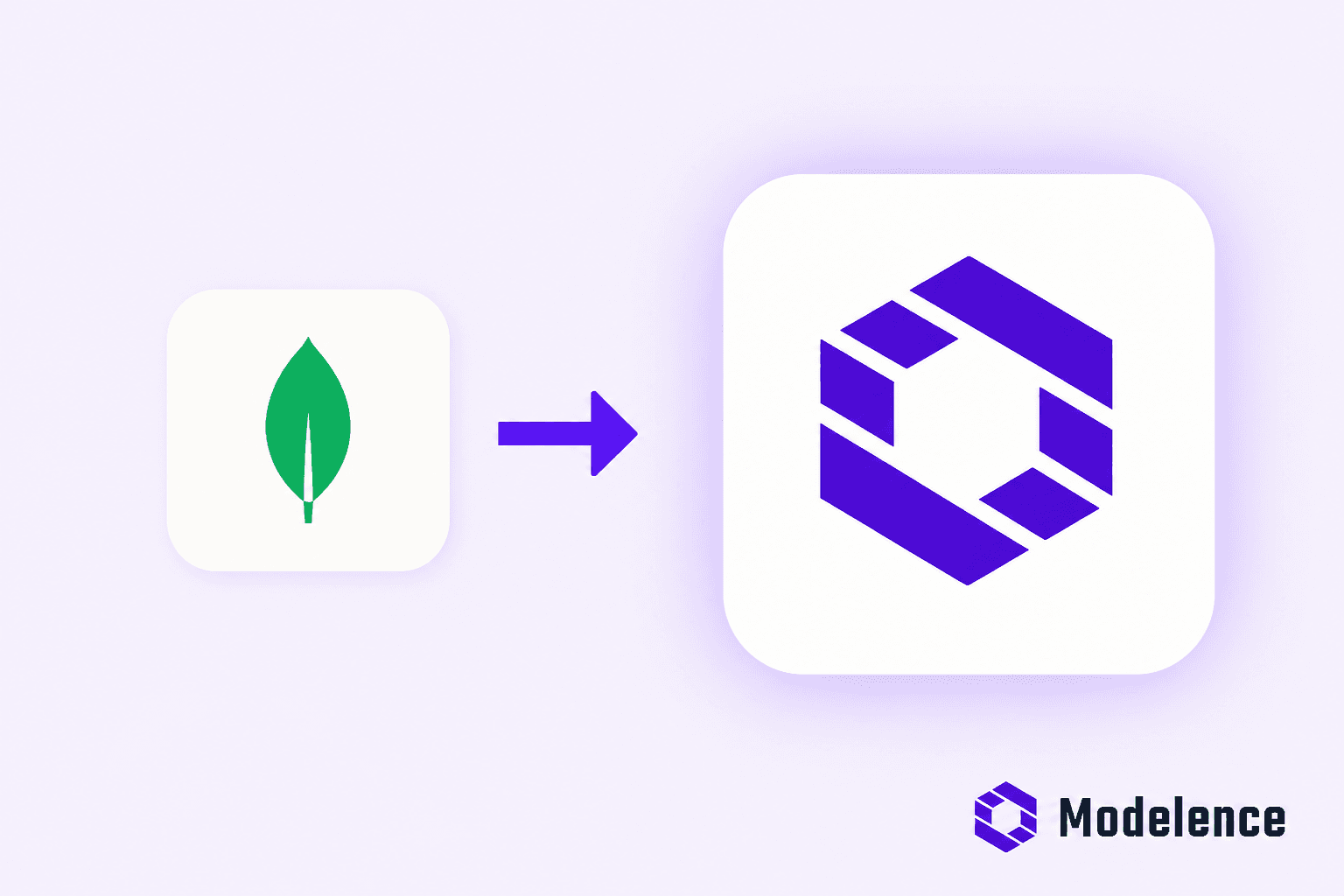
MongoDB has recently announced the deprecation of its Atlas Data API (as well as Custom HTTPS Endpoints) for Atlas App Services - set to become unavailable after September 30, 2025. This affects many developers and applications that rely on HTTP-based CRUD access to Atlas clusters.
Official MongoDB deprecation notice
What is MongoDB Data API?
The Data API provided a simple, RESTful HTTP interface directly to your MongoDB Atlas cluster - developers could perform CRUD operations via HTTP requests without needing a full backend or client driver. It was especially useful for serverless workflows, quick integrations, and frontend-only applications.
Who used it - and what's happening now?
Many serverless apps, low-code tools, and rapid prototyping platforms relied heavily on the Data API. These users are now facing pending disruptions as MongoDB phases it out. On September 30, 2025, both the Data API and Custom HTTPS Endpoints are planned to be removed.
MongoDB has published documentation to help users migrate, recommending alternatives like Express + Drivers, Cloud Functions, and partner solutions. But for most teams, adopting these options means a complex setup process, significant time investment, and, in many cases, the added challenge of migrating data.
Introducing Modelence: Your drop-in replacement
Replacing the deprecated Data API is easy. With Modelence, you can provision a fully functional, production-ready MongoDB Data API replacement in about 30 minutes - no heavy backend work required.
Step-by-step migration with Modelence
- Create a new Modelence app and cloud environment by following the setup wizard. Register at cloud.modelence.com.
- Choose the data-api template from example apps.
- Copy the generated command and run it in your terminal to deploy data-api to your Modelence Cloud.
- In the Modelence Dashboard, view your app deployment status in the Deployments tab.
- Once it's deployed (which will take 5-10 minutes), navigate to Application → Custom Configuration section and set your Data API key and MongoDB URI. You can always change them, and we recommend rotating API keys periodically for security purposes.
- Your endpoint will have the following format:
http://<your-app>.prod.modelence.app
Now you can use the following endpoints to invoke your Data API:
Login example: Use the API key configured in the previous step.
curl --location 'http://<your-app>.prod.modelence.app/auth/providers/api-key/login' \
  --header 'Content-Type: application/json' \
  --data '{ "key": "123" }'
This will return an access token, which should be used in all API calls as an authorization bearer.
Insert document example:
curl --location 'http://<your-app>.prod.modelence.app/data/v1/action/insertOne' \
  --header 'Content-Type: application/json' \
  --header 'Authorization: Bearer <access-token>' \
  --data '{
    "dataSource": "Cluster0",
    "database": "dataApi",
    "collection": "users",
    "document": { "name": "John Sample", "age": 42 }
  }'
For an interactive feel, use the Postman-like interface available at http://<your-app>.prod.modelence.app.
Available endpoints in Modelence Data API
Just like MongoDB's original Data API, the Modelence replacement exposes all the essential CRUD endpoints - and even more.
- Schema & Index Management: listCollections, createCollection, dropCollection …
- Aggregate: Run MongoDB aggregations via aggregate
- Delete: deleteOne, deleteMany
- Update: updateOne, updateMany
- Find: findOne, find, with full query operators
- Insert: insertOne, insertMany
- Authentication: API key login endpoint (/auth/providers/api-key/login)
These cover everything MongoDB Data API users are used to - meaning you can migrate your app with no feature gaps.
Try the demo app right now
Want to play with the Data API replacement immediately? We've deployed a demo app you can try without setup:
https://data-api-demo.modelence.app/
This provides a Postman-like interface for experimenting with endpoints, so you can test queries and mutations before deploying your own.
Benefits in just 30 minutes
- Monitor usage and performance in the Monitoring tab of Modelence Cloud.
- Complete deployment with monitoring, auth, and configuration UI.
- Fully working, production-ready Data API replacement.
If you expect high load on your MongoDB API, reach out to [email protected] for scaling options.
Final thoughts
Modelence delivers a fast, reliable, and scalable way to replace MongoDB's deprecated Data API - keeping your apps running seamlessly and giving you greater visibility and control. Try it today and stay ahead of the September 2025 deprecation deadline.
Questions or feedback?
We're here to help at [email protected], and you can also connect with us in our Discord channel for real-time discussions.
Frequently asked questions (FAQs)
What is Modelence?
Modelence is an open-source full-stack TypeScript framework and cloud platform built for AI-assisted development. The AI builder generates complete applications (React frontend, Node.js backend, MongoDB database) with authentication, monitoring, cron jobs, and one-click deployment included in the first pass.
How is Modelence different from Lovable, Replit, Bolt, and v0?
Lovable, Replit, and Bolt optimize for speed-to-first-demo and keep you on their hosted infrastructure for everything that comes after. v0 generates clean Next.js code but ties tightest to the Vercel ecosystem. Modelence generates standard TypeScript on a fully open-source framework you can clone, edit in any IDE, and deploy anywhere, with production concerns like auth, schemas, and monitoring built into the first generated app.
Is Modelence open-source?
Yes. The Modelence framework is fully open-source on GitHub. You can clone the repo, run it locally, and deploy anywhere you want. Modelence Cloud is an optional one-click hosting target, not a requirement.
Does Modelence scale for production apps?
Yes. Modelence is built for production from the first generated app: automated MongoDB schemas with indexes, role-based authentication, monitoring and metrics, cron jobs, real-time data over WebSockets, and one-click deploys. The framework enforces consistent architecture as the app grows, so the structure scales with the team.